About Minecraft Drift Simulator
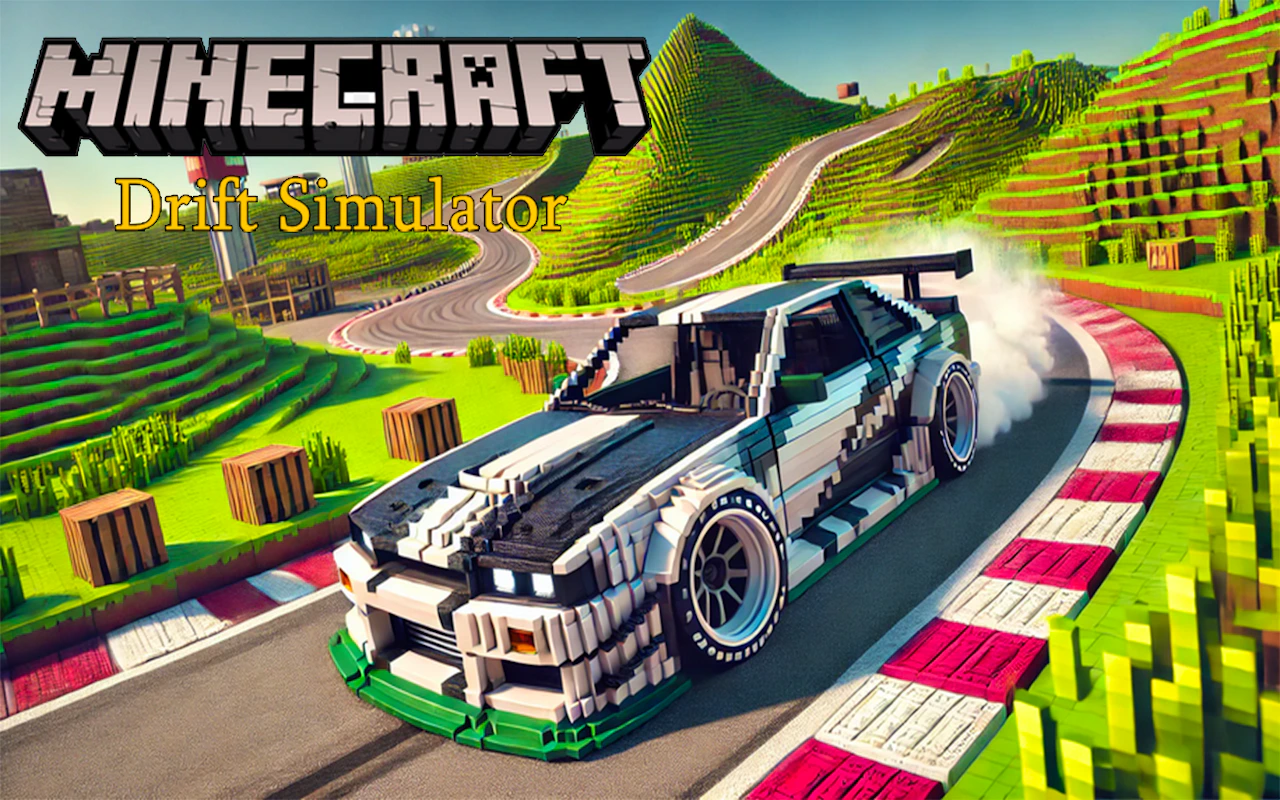
Minecraft Drift Simulator combines blocky voxel aesthetic visuals with high-octane sports car drifting mechanics across procedurally generated pixel tracks. Players slide customized blocky race cars through tight hairpin turns, collect floating coin blocks, and upgrade engine horsepower, drift tires, and nitro boost tanks in a garage hub.
How to play
Use WASD or Arrow keys to accelerate and steer, Spacebar to pull handbrake for drifts, and Shift key for nitro boost on desktop keyboards. Mobile controls utilize virtual steering buttons, drift brake, and nitro tap icons. Beginners often slam on handbrakes too late entering turns, spinning out into block walls.
Tips
- Initiate your drift brake tap right as your front wheels pass the corner entry line to hold long smooth drifts.
- Save your nitro boost for straight exit roads to regain top speed immediately after completing drift turns.
- Reinvest drift point earnings into Drift Steering sensitivity upgrades to manage tight S-curve tracks.
Who it's for
Designed for voxel art fans, car drifting lovers, and arcade racing enthusiasts looking for fun car simulation on PC or mobile browsers. If it clicks with you, try Sport Car Hexagon or Runner Coaster Race next.