About Explore Quest
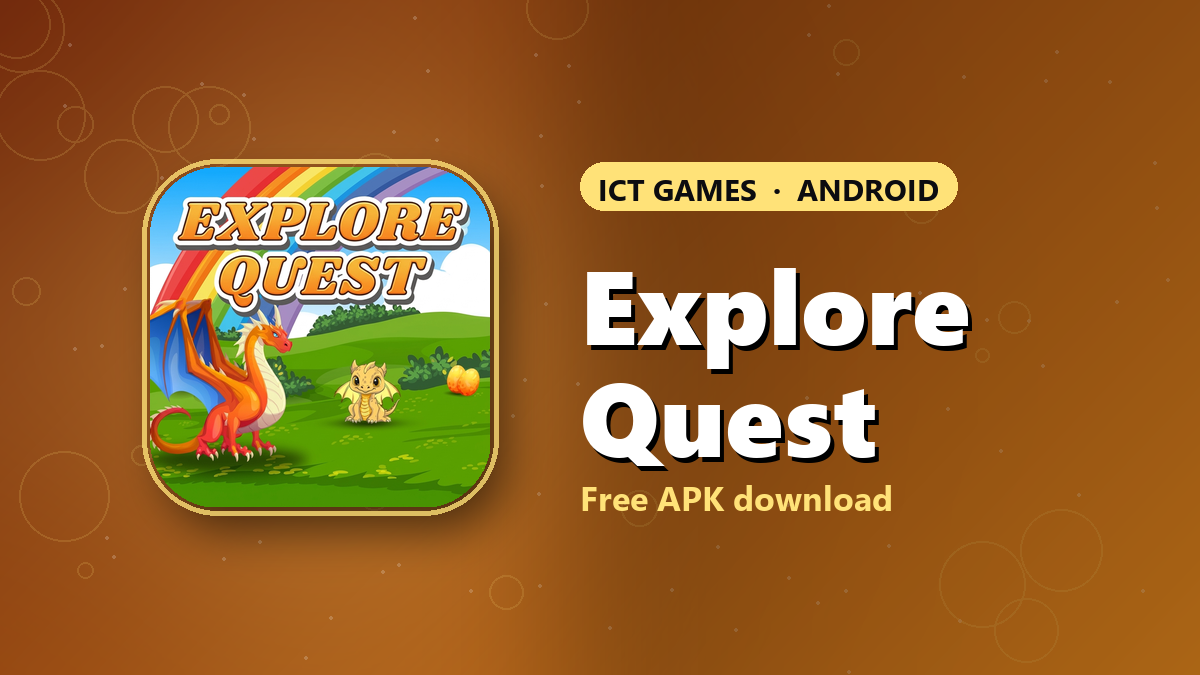
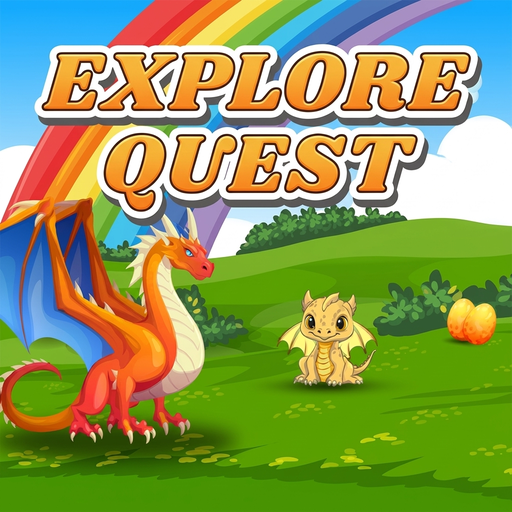
Bright and friendly rather than dark and gritty, Explore Quest is a fantasy adventure whose art sets the tone: a red-orange dragon and a baby golden dragon on a green hill, a rainbow overhead and a pair of golden eggs in the grass. It is an Android game from the ICT games programme, available here as an APK download at version 0.3.
How to play
As the title suggests, the heart of it is exploring: moving through a colourful world and finding what is tucked away in it. Adventure games of this kind reward curiosity, so the common mistake is heading straight for the obvious path and missing everything around its edges. Look around before you move on.
Before you install
- Use Wi-Fi: the file is about 94 MB, and a dropped mobile connection means starting the download again.
- Keep at least twice that much free space, because Android unpacks the APK while installing it.
- If the install is blocked, allow your browser under Settings, then Apps, then Special app access, then Install unknown apps, and switch it back off afterwards.
Who it's for
Explore Quest is aimed at younger players and anyone who likes a cheerful, low-pressure adventure, and at about 94 MB it is the smallest download in the collection, which makes it the easiest to try first. If the dragons win you over, SkyMapper swaps the fantasy hill for a neon city, and Green Life keeps the gentle pace.
How to play
Download the APK, install it on your Android phone and open Explore Quest from your home screen.
How to install on Android
- Tap Download APK above and wait for the file to finish downloading.
- Open the file from your notifications or the Downloads folder.
- If Android asks, allow installs from your browser under Settings › Apps › Special app access › Install unknown apps.
- Tap Install, then open the game from your home screen.
Version 0.3. Prefer automatic updates? Install it from Google Play instead.