
About Music Tools
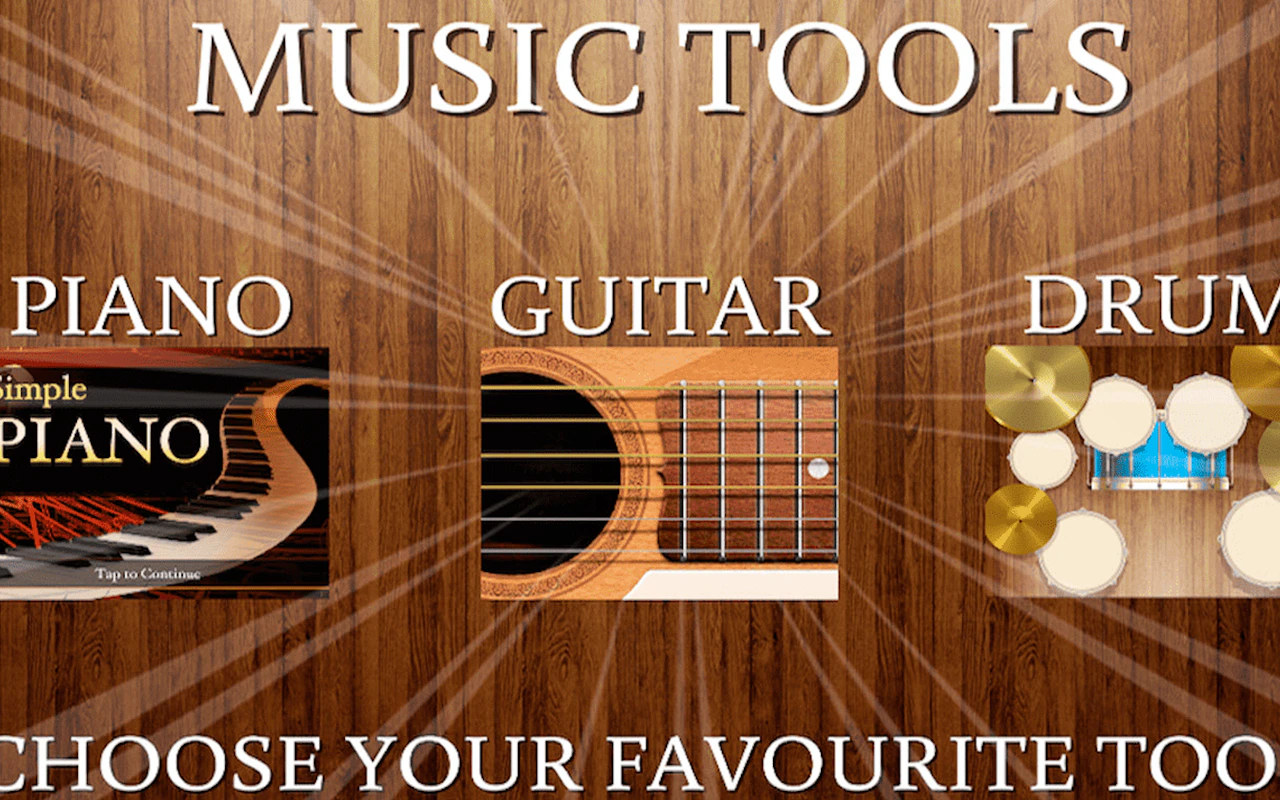
A collection of virtual instruments and sound-creation utilities, this title turns your browser into a miniature recording studio. Rather than following a structured game format, it gives you open-ended freedom to experiment with beats, melodies, and layered compositions at your own pace.
How to play
Select an instrument or tool from the interface, then tap or click to produce sounds. Layer multiple tracks together to build fuller arrangements. New users often try to use every tool at once instead of mastering one instrument before adding complexity, which leads to cluttered, unsatisfying mixes.
Tips
- Start with a simple drum pattern as your foundation before layering melodic elements on top
- Use the tempo controls to slow things down while you learn where each sound sits in the mix
- Save your progress frequently so you can compare different versions of a composition
Who it's for
Perfect for short creative breaks or longer experimental sessions, this appeals to anyone curious about making music without needing formal training. The interface is oriented toward desktop use, where the larger screen real estate helps manage multiple tracks. If rhythmic creativity appeals to you, Incredibox offers a similarly approachable music-mixing experience. For something with more structured gameplay wrapped around audio, Piano Tiles 3 provides a rhythm-focused challenge.