
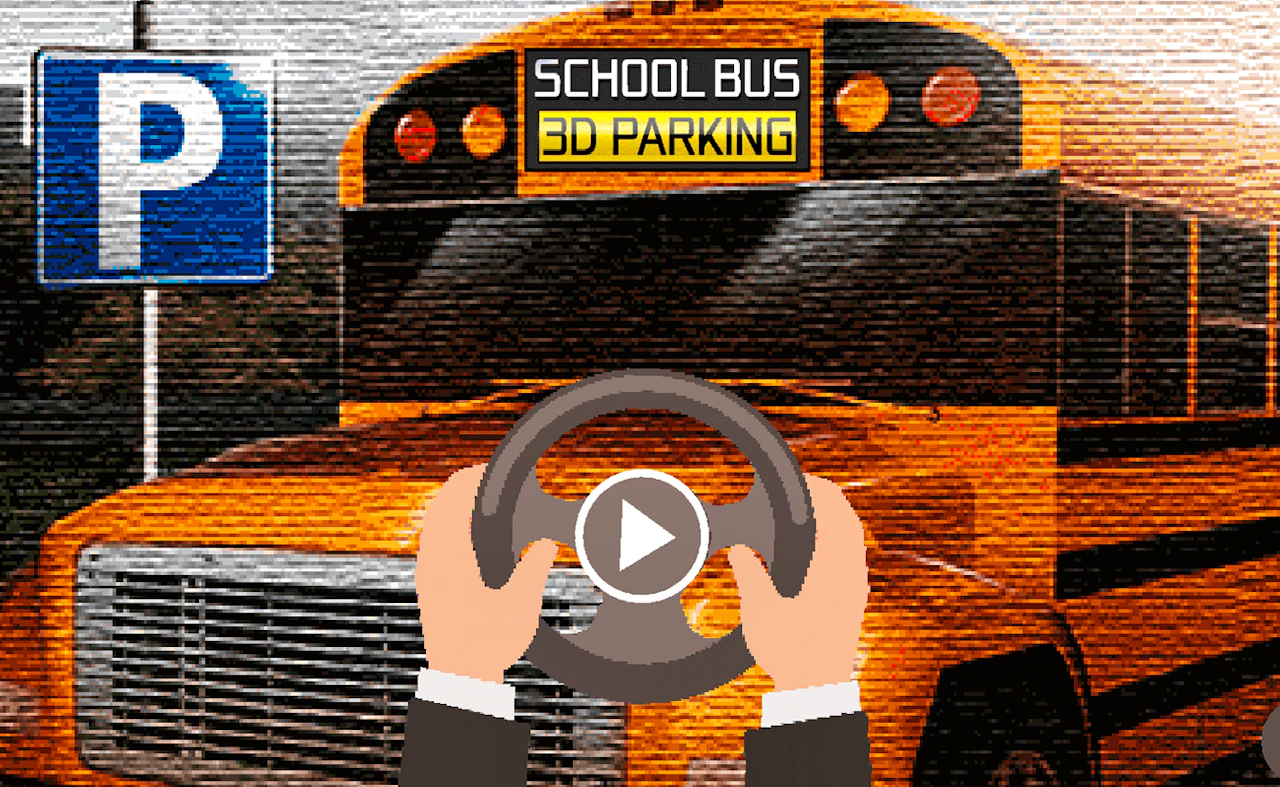
About School Bus 3D Parking
School Bus 3D Parking tests your heavy vehicle maneuvering precision in busy school zones and crowded parking structures. You pilot a large yellow school bus through tight orange cone mazes, reversing into marked stalls without striking curbs or neighboring parked cars. Realistic turning radii and dynamic camera angles make every parking challenge a test of spatial awareness. The realistic physics engine accurately simulates heavy vehicle inertia. Smooth performance and responsive browser optimization ensure that every level progression milestone feels deeply satisfying to achieve.
How to play
Drive using WASD or Arrow keys on desktop PC, holding Spacebar for brakes; mobile players use on-screen steering wheels and pedals. The biggest beginner error is turning steering wheels too late while reversing long bus frames. Another mistake is speeding through narrow cone corridors. Maintaining a slow, steady reverse speed allows precise steering adjustments. Taking a brief moment to analyze movement patterns before executing fast inputs prevents unnecessary game overs.
Tips
- Switch to top-down camera perspective when reversing into narrow marked parking stalls.
- Initiate turns early when maneuvering long bus bodies around tight 90-degree corner cones.
- Tap the brake pedal repeatedly to maintain slow, controlled speeds during tight parking adjustments.
Who it's for
Suited for driving simulation enthusiasts, parking puzzle fans, and technical vehicle drivers on desktop and mobile platforms. If it clicks with you, try OffRoad 4x4 Driving Simulator or Car Real Simulator next.